Design systems
Design systems teams actually use
Most design systems don't fail because the components are wrong. They fail quietly, because nobody reaches for them. Here's what I've learned about adoption.
 Mara EllisonProduct designer & front-end developer · 2 min read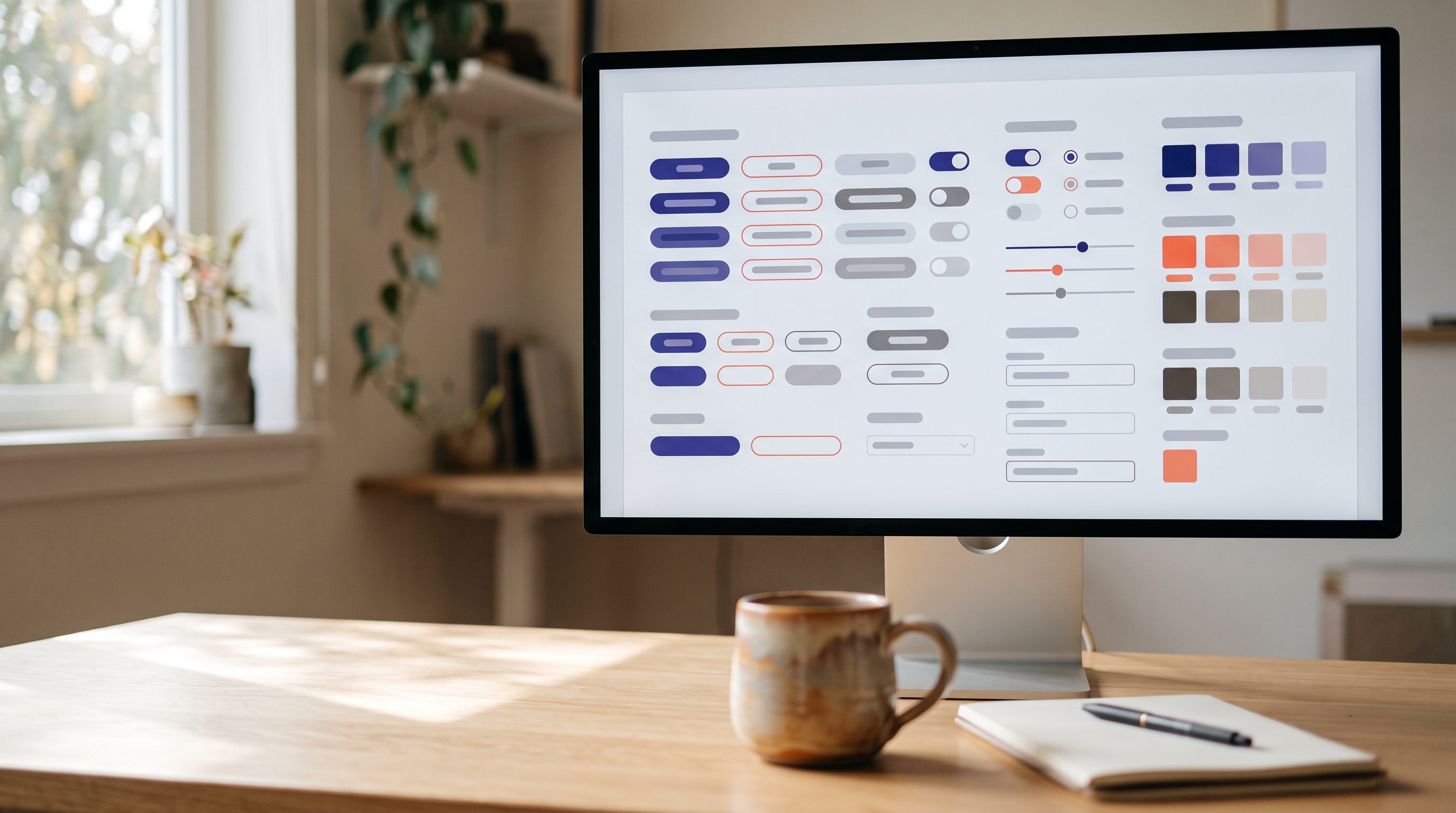
I've helped build design systems for a bank, a logistics company and a handful of start-ups. The components were never the hard part. The hard part was getting busy teams to actually use them.
Most design systems don't fail loudly. Nobody announces that they've stopped using the library. Teams just start detaching components “for this one screen”, copying old patterns because they're quicker to find, and building their own button because the shared one doesn't quite fit. A year later, the system is beautifully documented and largely ignored.
Treat it like a product
A design system is a product, and its customers are the designers and engineers who use it. That means doing what you'd do for any product: talking to users, watching where they struggle, measuring adoption and shipping improvements often.
When we started Halo at Parcelwise, we didn't begin with a list of components. We began by interviewing people on every product team and asking what slowed them down. Their answers shaped our roadmap far more than any audit.
Start with what people already use
It's tempting to design the perfect system from first principles. Resist it. Look at what's already in production and standardise the most common patterns first: buttons, form fields, typography and spacing. Teams adopt a system faster when it feels like a cleaner version of what they already know.
The best component is the one that's easier to use than to rebuild.
Make the right thing the easy thing
People reach for whatever is closest. If the shared component takes five minutes to find and the old pattern takes five seconds to copy, the old pattern wins every time. So make the system the fastest path:
- Design and code together. A component should exist in Figma and in the codebase on the same day, with the same name and the same options.
- Document with examples, not rules. Show each component in real screens, with notes on when to use it and when not to.
- Build in accessibility. When focus states, contrast and keyboard support come for free, teams stop having to think about them.
- Answer questions fast. A shared channel with quick, friendly replies does more for adoption than any amount of documentation.
Share ownership
A system run by a small central team quickly becomes a bottleneck, and a bottleneck invites workarounds. On Halo, a rotating group of contributors from each product team reviewed changes every two weeks. Teams proposed new components, the group decided together, and the people who needed something new could help build it.
That rhythm did something documentation never could: it gave every team a reason to care about the system, because part of it was theirs.
Measure what matters
Counting components tells you very little. Instead, track how often components are detached in design files, how many screens in production use shared code, and how long it takes to ship a new screen. When those numbers move in the right direction, you know the system is earning its place.
A design system is never finished, and that's fine. The goal isn't a perfect library. It's a shared language that makes good work faster for everyone who uses it.
Written by
Mara Ellison
Product designer & front-end developer based in Lisbon, Portugal. Booking new projects for January 2027.